3B Creator Guidelines
In 3B Creator, how do you build a new project?
Register with 3B Creator to obtain a developer account.
Create your project in the Zero Code framework by logging in.
Make the necessary one-time settings for the project.
Login to 3B Creator using your developer account.
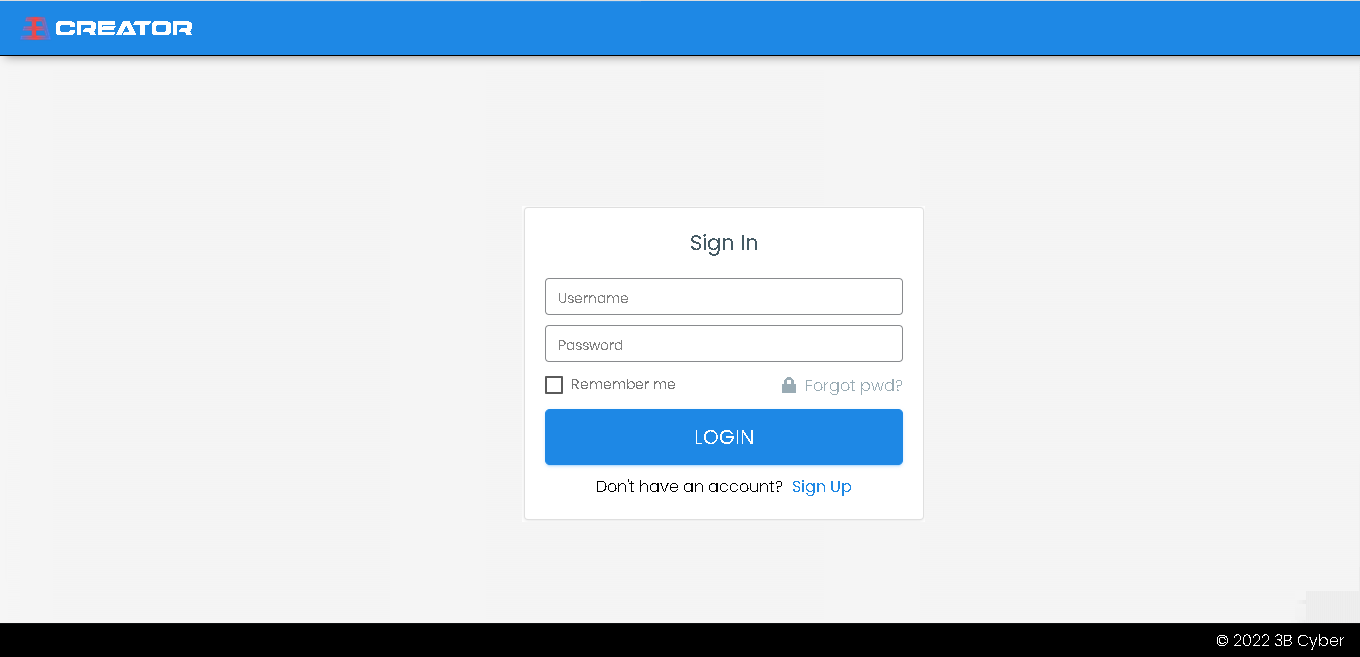
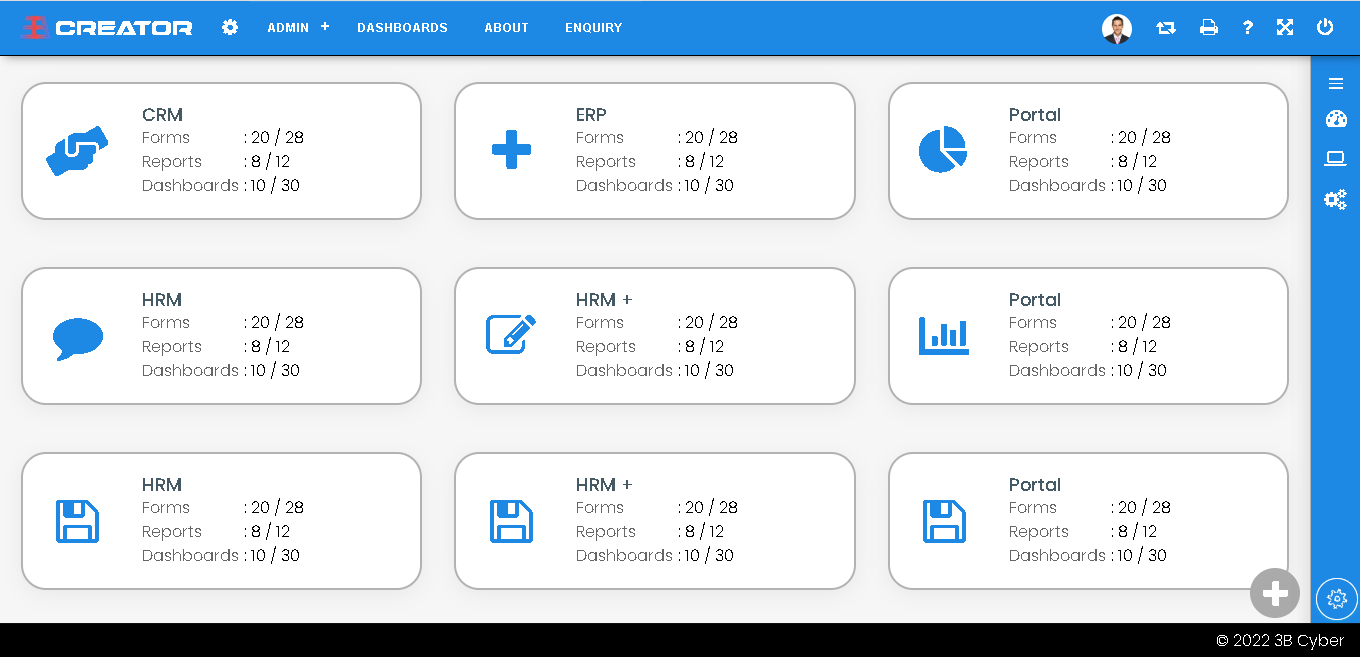
Choose or create a project.
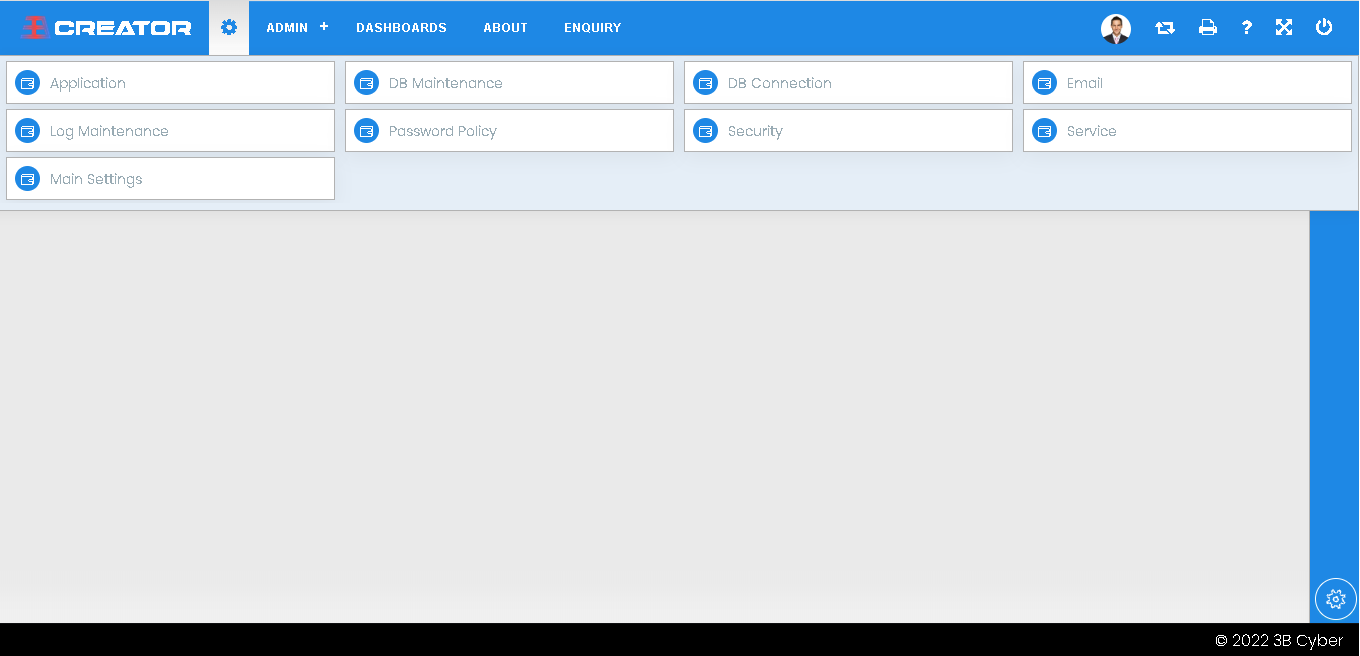
Save the required settings.
In 3B Creator, how do you build a new form and publish?
Create a new form with controls, such as a tab, group box and actions.
The new form should be mapped to any process flow.
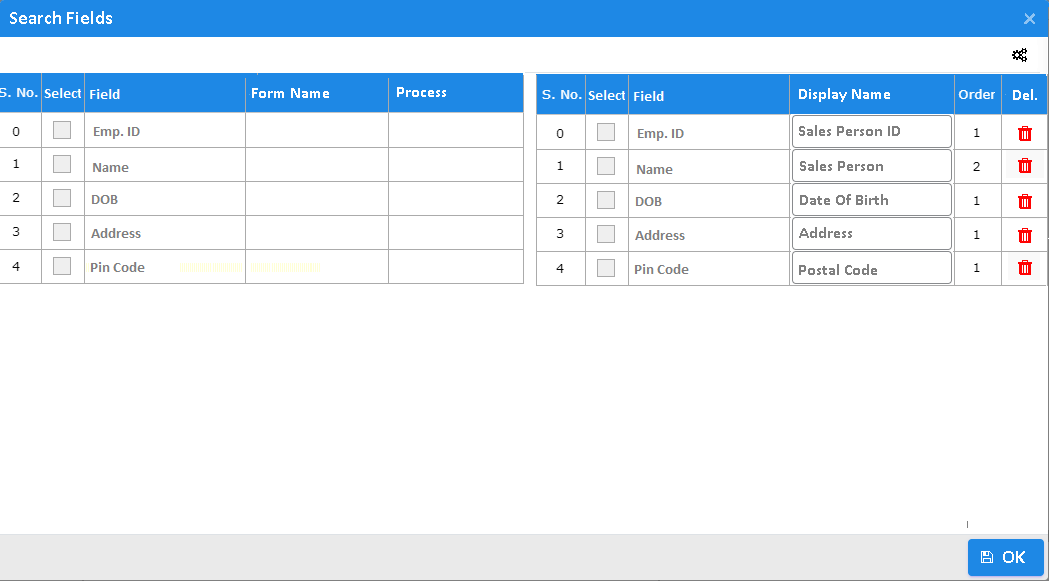
Configure the control's attributes and search fields.
Utilizing Event settings, create business logic or calculations.
Publish the form settings for reflect all configurations and events.
Give users or roles the ability to use the access.
Use the right login to access the new form you just made.
Give the information needed to create a new menu.
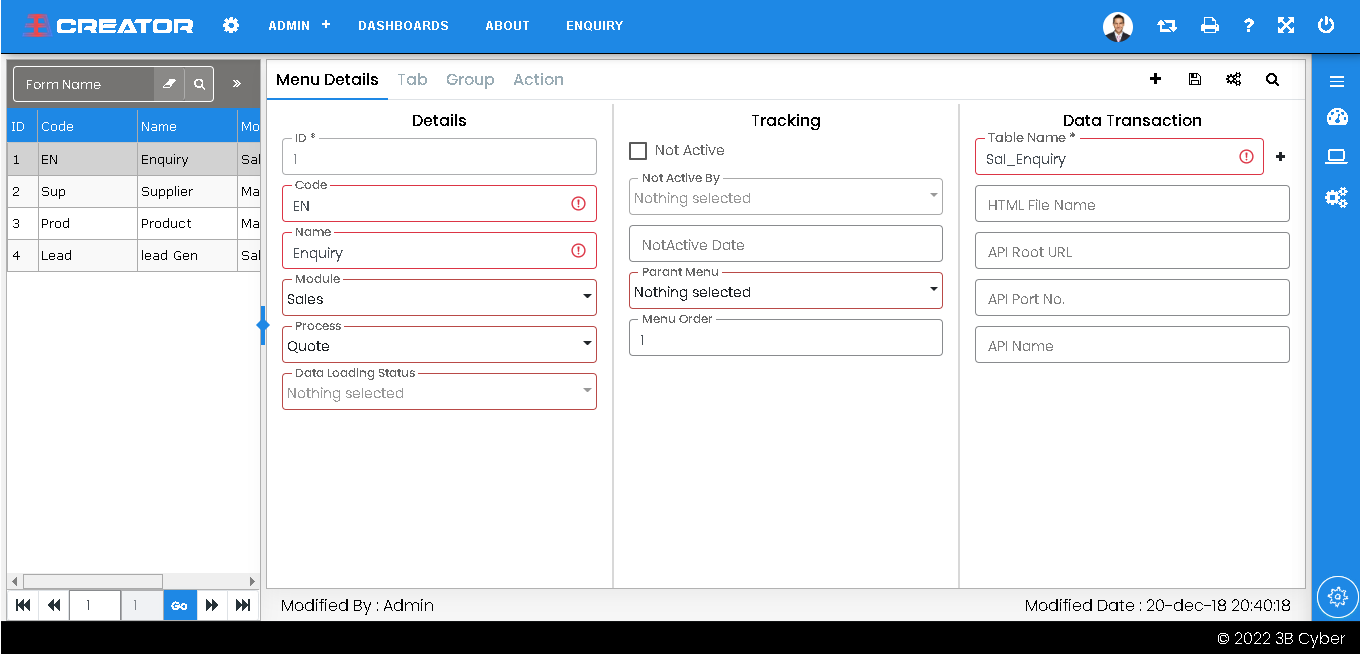
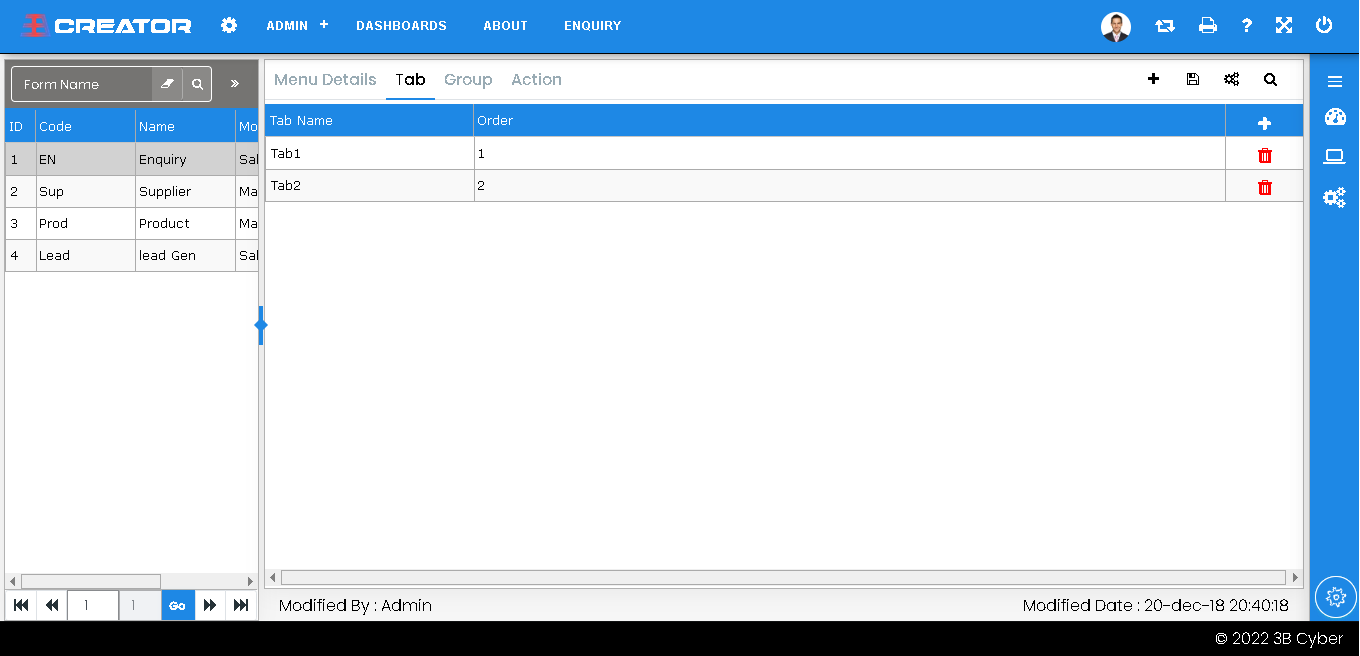
Enter the tab information that is necessary for this menu.
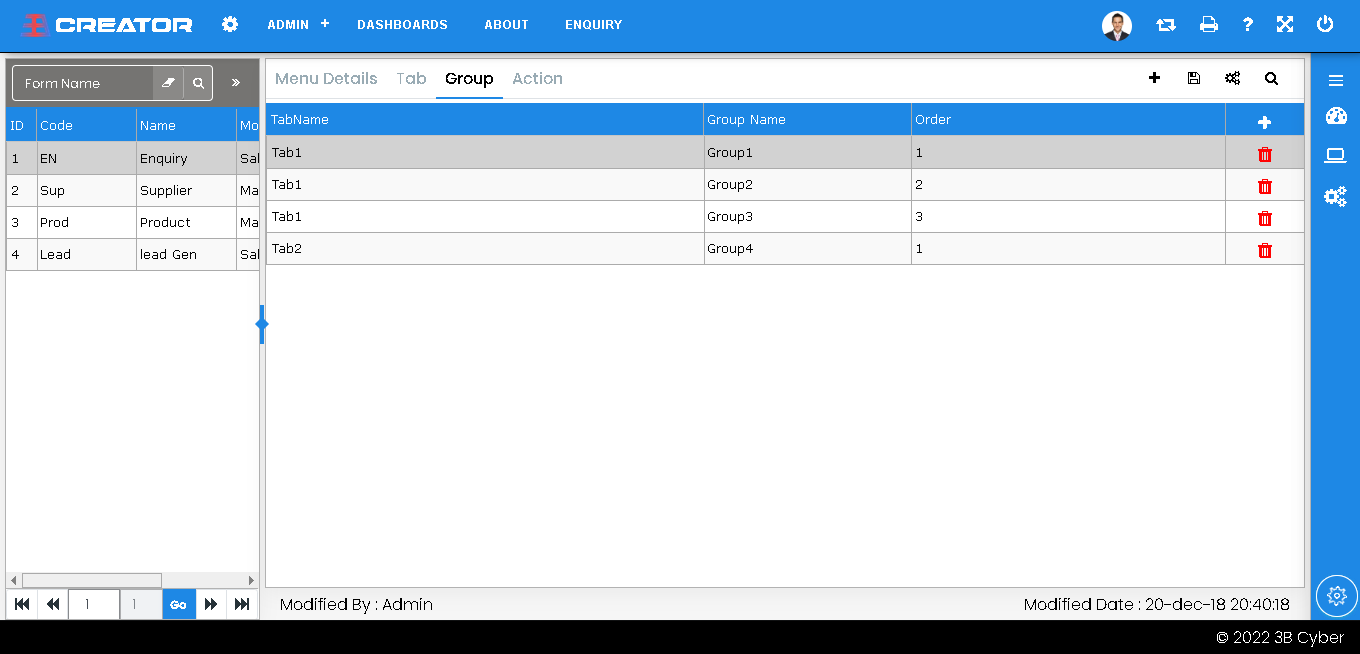
Set up the Group boxes under the Tabs as necessary.
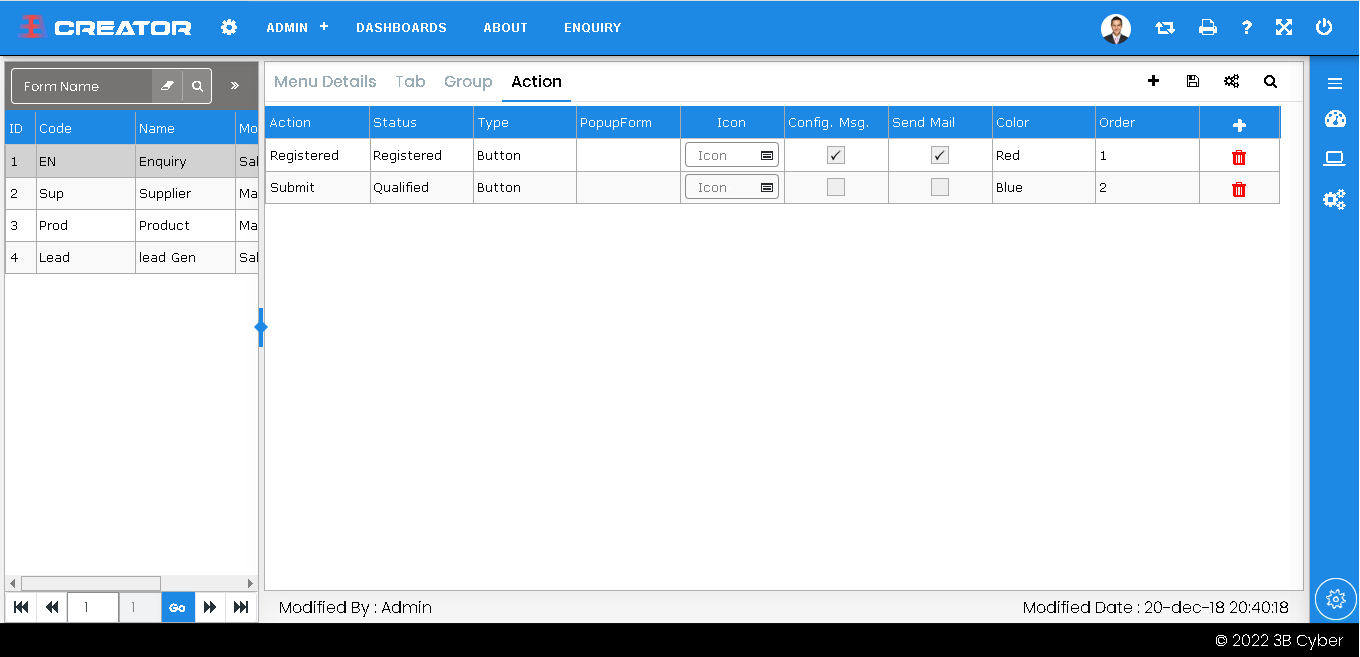
Set up the actions that must occur while utilising this form.
Set the properties by dragging and dropping the controls into the group box.
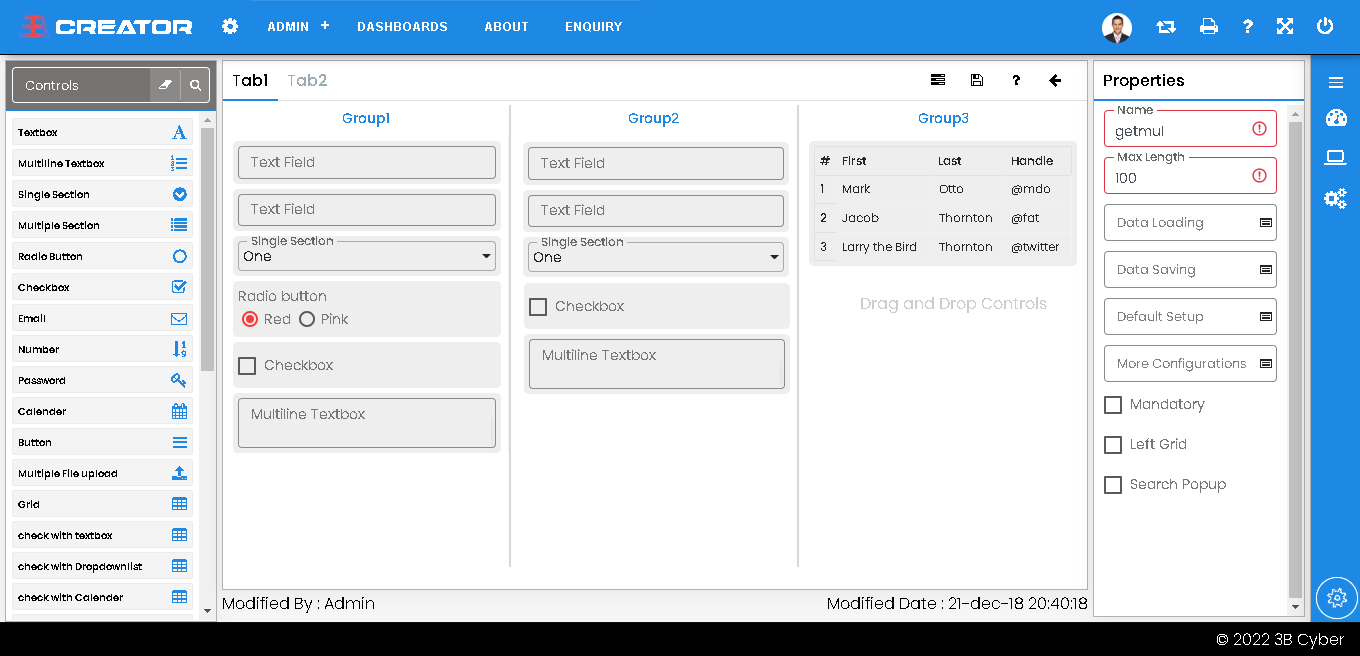
Create the business calculations and logic using event configurations, then publish it.

Give the user or role access authorization.
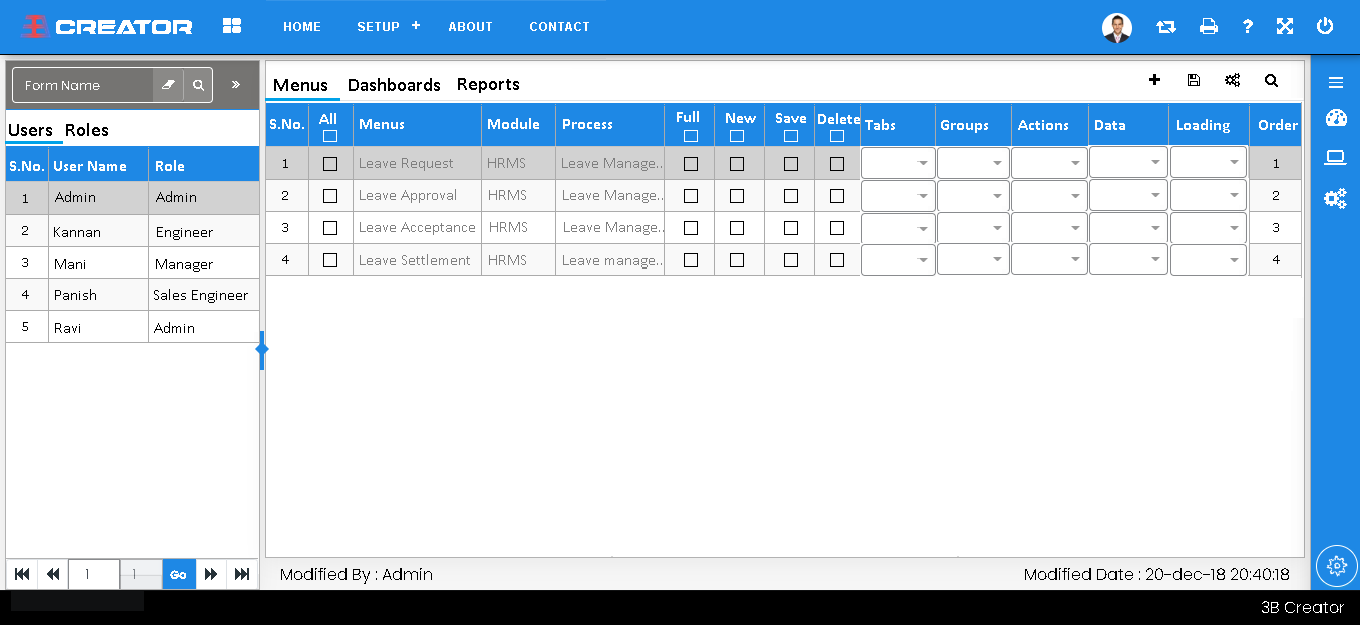
Open the new form and use it with the proper user credentials.
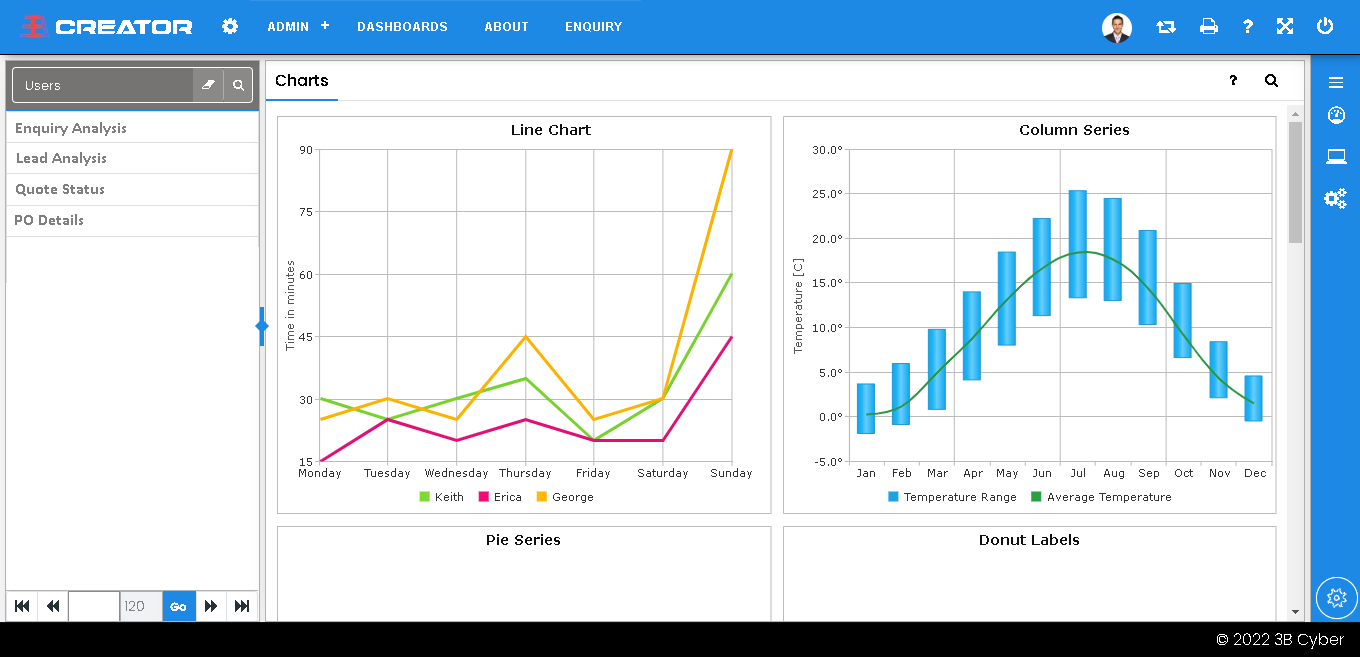
In 3B Creator, how do you create a new dashboard?
Drag & Drop the charts based on business requiremnts.
Configure the chart's attributes and save it.
Utilizing default data filters, Configure data & search controls.
Publish the dashboard settings for reflect the configutations.
Give users or roles the ability to use that dasahboard access.
Use the right login to access the new dashboard you just made.
Give the information needed to create a dashboard menu.
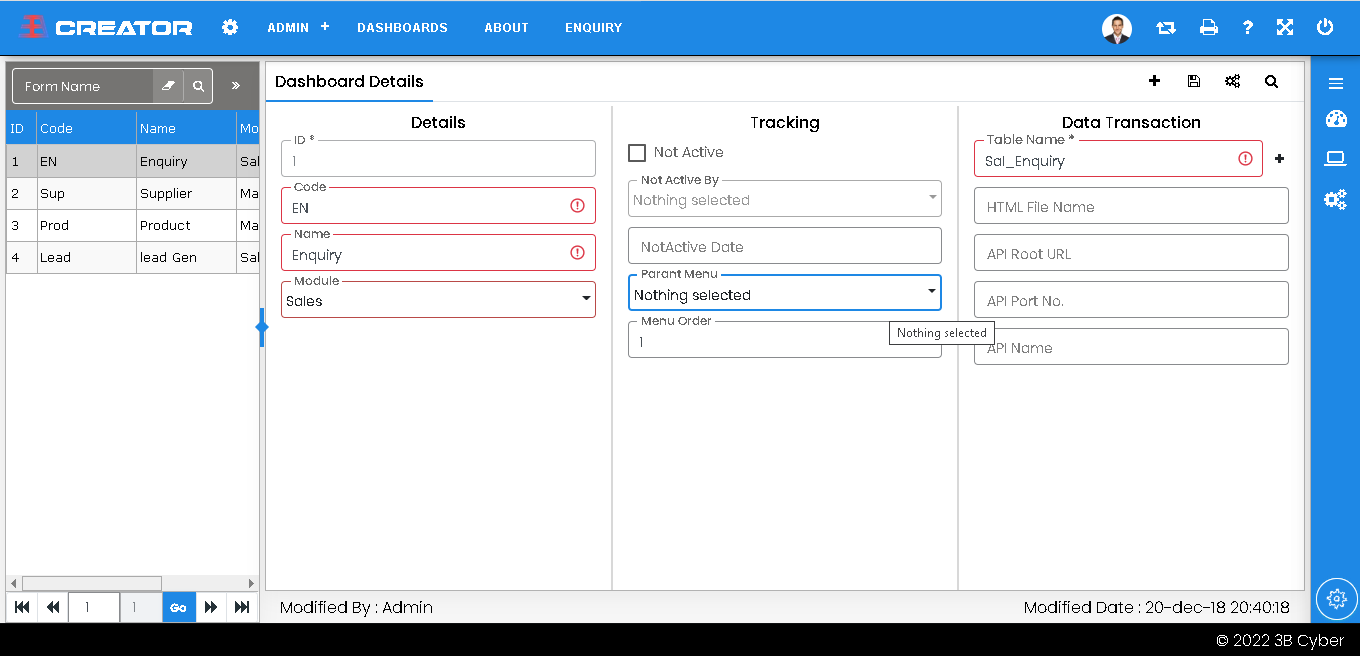
Set the properties by dragging and dropping the chart into the group box.
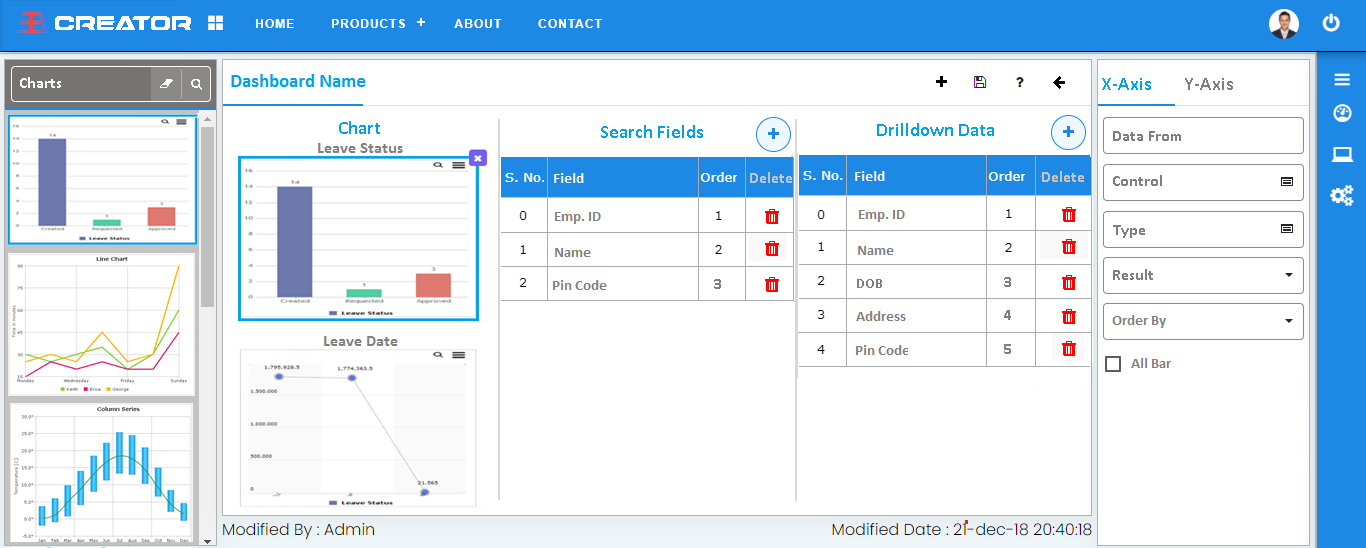
Configure the chart's attributes, default data filter, export field and search controls.
Publish the dashboard, Give users or roles the ability and use it with right login credential.